Tracker has implemented native Section 3 reverification using an authorized representative. This job aid is in the process of being updated. Contact your central HR office for assistance.
Step 1. Search for the Employee
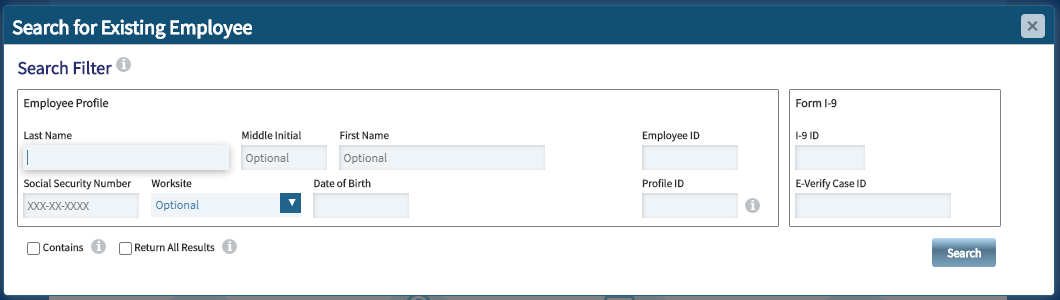
The most reliable practice is to search using the UIN in the Employee ID field. If no record is found, you may also try to find the employee using their First and Last Name.
Be aware that certain records may match in name, but can be entirely different employees. If the search returns an existing record, open the employee profile by clicking on the result, then clicking View Selected Profile (see below). Confirm the details of the record, including date of birth, to determine if the record matches.
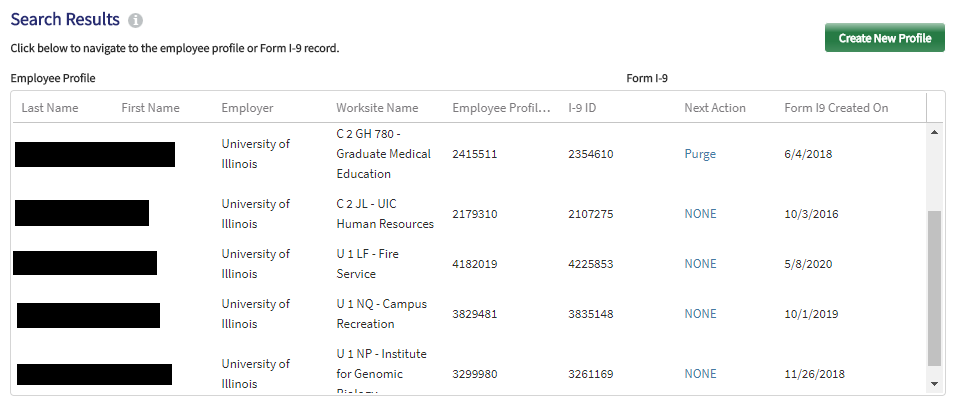
If you do not find an employee profile, or if the record does not have an active I-9, their I-9 may have been completed prior to Tracker being implemented. If you need to complete a reverification for an employee who does not have an I-9 in Tracker, contact your central HR office for assistance with creating a Historical I-9.
Step 2. Create a Section 3 Reverification
Once you find the completed form in Tracker, click the Section 3 tab. You will see the list of available Section 3 options.
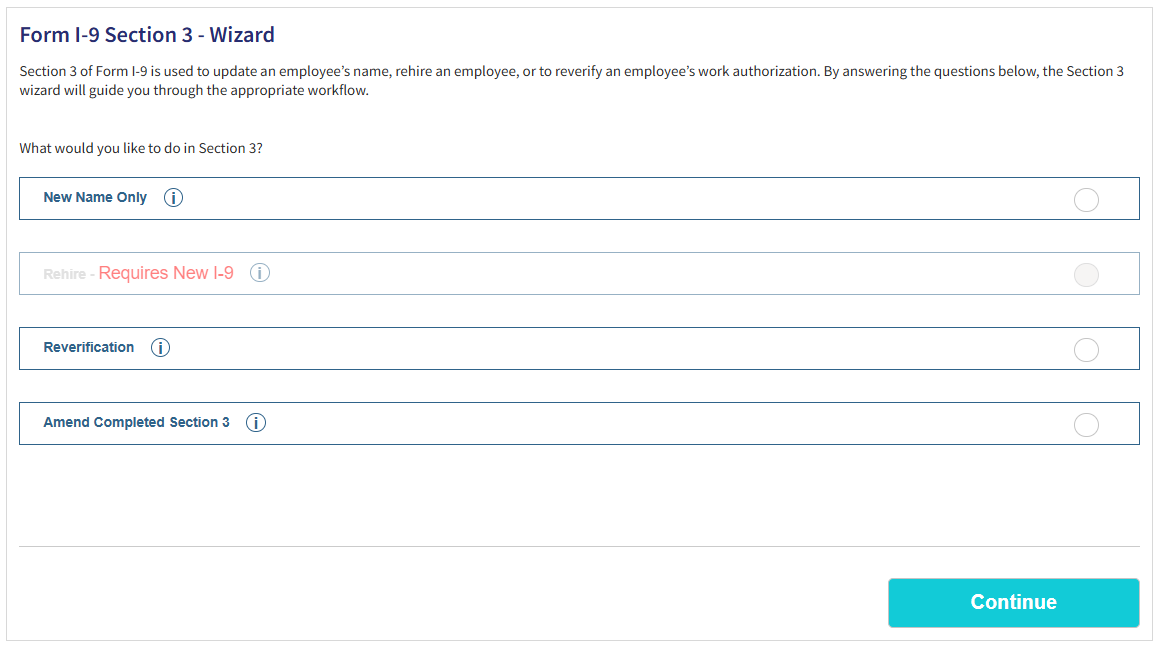
Select the Reverification option and click Continue.
When prompted, select whether the employee's name has changed since Section 2 or the most recent reverification was completed. If yes, select and complete the appropriate fields for each changed part of the employee's name. Select Continue.
Lastly, select whether you or an Authorized Representative will be completing the reverification. If you select an Authorized Representative, you must enter the representative's name and contact information. If the employee's email address was not provided on the I-9, you may also need to enter the employee's email address.
Whoever is completing the reverification must meet with the employee and view their documents in person.
Click Continue to proceed to document information.
Step 3. View and Record Documentation
Complete this section similarly to Section 2. After examining and verifying documents, select the documents from the list and enter the required information. Typically, this will include the document number and the expiration date.If you need to enter "D/S" in the expiration field for an I-94, it will auto-populate once you select the appropriate visa in the Additional Documents list.
If the employee is authorized with a J-1, F-1, or H-1 visa and presents their foreign passport, I-94, and additional documents, select the Foreign Passport with I-94 option and select the additional visa from the Additional Documents list. Complete all fields.
Important: If an employee presents an acceptable receipt for any document, check the Employee presented an acceptable receipt in lieu of an original document checkbox at the end of Part C. Once the employee receives the document, you must return to the form, update Section 3 with the final details, and un-check the receipt box.
H-1B Visa Extension Application
If an application for the extension of an H-1B visa has been submitted and is being processed, select Nonimmigrant extension w/ current employer as the additional document type. In the Extension Filing Date field, enter the date on which the application for extension was filed. The reverification due date will be calculated as 240 days from the current H-1B expiration date.
Validate & Sign
Once complete, you must electronically sign Section 3:
- Your first name, last name, and title will pre-populate. Confirm the information is correct.
- Check the “I Agree” box to affirm that you have reviewed and verified, to the best of your knowledge, the information entered in Section 3.
- Click “Sign Form I-9 Electronically” to sign and complete Section 3.
If there are any mistakes found which prevent you from signing Section 3, correct them and try again. If you continue to experience problems, contact your central HR office.